

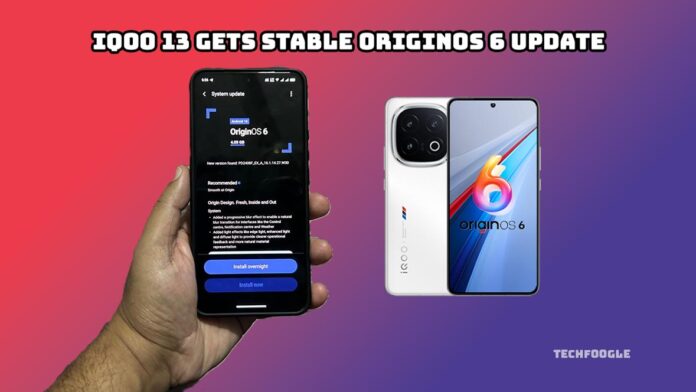
iQOO 13 users have finally received the update they’ve been waiting for, as OriginOS 6 is now rolling out. Since it is an over-the-air release, many people should see the notification any time now. The update introduces a cleaner design, smoother animations, improved performance, and several valuable upgrades.
iQOO 13 Gets Stable OriginOS 6 Update
The refreshed interface is the first thing that stands out. Icons and menus look more polished, and the home screen has a simple layout that gives the phone a more premium feel. It is a small change, but it makes the whole system look fresher.
You also notice how smooth everything feels. Opening apps, switching between tasks, or just scrolling around the phone feels more natural now. It has the kind of smoothness that only shows its value after a bit of use. Smart Scene has gotten smarter. It learns habits more accurately, suggests routines when needed, and adjusts settings in the background. It is helpful without being intrusive.
Performance gets a good boost, too. The system uses memory and CPU more efficiently, enabling heavy tasks to run better. Apps open faster, which helps with daily use. Gamers will see better frame stability and less lag.
The camera upgrades are easy to appreciate. Photos look sharper with better dynamic range. Colors feel more natural, and details stand out more clearly. The AI detects scenes faster and sets things up automatically. And low-light shots look cleaner with less noise, which is always lovely.
(Also See: OnePlus 13 vs iQOO 13: Which Snapdragon 8 Elite Flagship Reigns Supreme?)
Battery and power management also get improvements. More intelligent charging helps protect long-term battery health. Background apps are better controlled, helping reduce unnecessary drain during the day.
Security and privacy improvements include new dashboards that show which apps use your camera, microphone, or sensors. Permission prompts are more transparent and easier to handle.
System apps pick up improvements, too. The dialer looks cleaner. The file manager has better sorting options. Notes and Calendar sync better and let you customize more.
The update is rolling out in batches, and beta users usually get it first. It starts in a few regions and will slowly reach everyone. If you want to check manually, open Settings, go to System Update, and tap Check for Updates.
Before installing, it is a good idea to back up your important data and keep the phone charged to at least 50%.
Some people may come across minor glitches at first. Issues with WiFi or Bluetooth sometimes appear after significant updates. A simple restart usually fixes them.
Early feedback has been positive. Users like the smoother animations, the fresh UI, and the improved camera quality. Some people noticed slight heating, but that usually settles once the phone finishes optimising.
If anything feels off after updating, clearing the system cache, or resetting app settings can help.
If the update is available for your device, it is safe to install. It has already passed testing and is ready for everyday use.
In short, OriginOS 6 gives the iQOO 13 a noticeable lift. Smoother performance, better battery handling, and clearer camera output make the phone feel new again.