
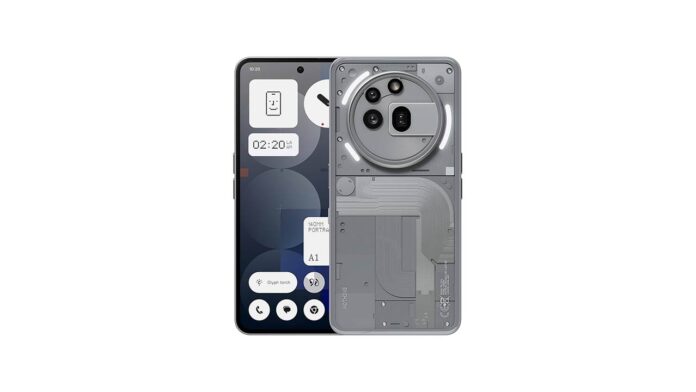
The Android 17 wait is finally drawing to a close for Nothing Phone 3a owners. Nothing has begun distributing the stable Nothing OS 5.0 update to the Nothing Phone 3a and Nothing Phone 3a Pro, bringing a fresh collection of interface changes, expanded customisation options and system refinements.
According to an automated firmware notification spotted on the Nothing Community, both smartphones are now receiving the stable release. The update arrives with firmware version C5.0-261023-2146 and carries a hefty download size of 3.09GB.
The Nothing Phone 4a series is also receiving its own Nothing OS 5.0 stable release. However, the company is following its usual phased distribution schedule. The firmware will reach devices in separate batches, so some Phone 3a and Phone 3a Pro owners may have to wait a little longer for the update to appear on their handsets. This gradual rollout also allows Nothing to monitor the release and address potential problems.
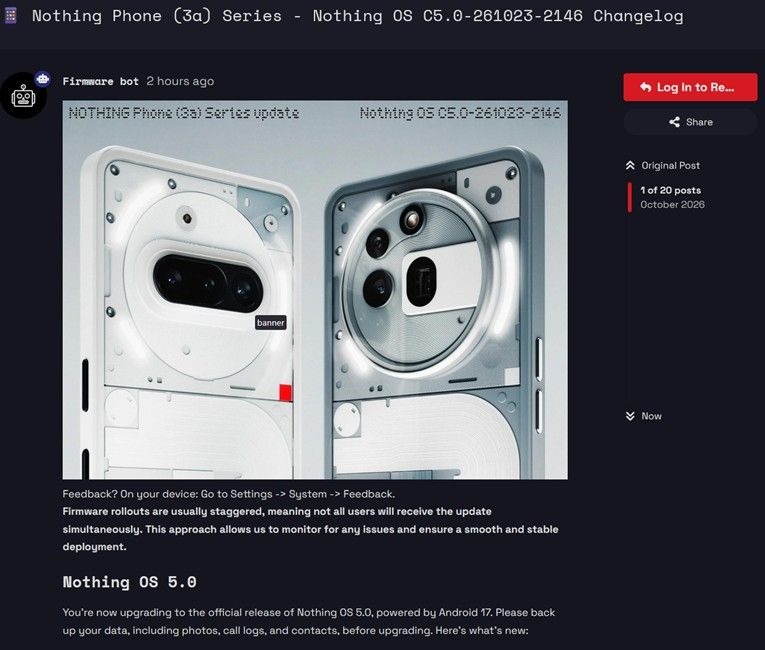
Nothing OS 5.0 Brings Fresh Customisation Options and Interface Changes
Nothing OS 5.0 introduces several visual changes that give the interface a new look. One notable addition is a new Translucent theme, along with additional Lock screen controls and fresh clock designs.
Nothing has also redrawn the status bar icons and fine-tuned system animations for a more polished feel. These changes sit alongside a collection of new widgets, including Collector, Away Time and Glyph Timer, giving users additional ways to interact with their home screens.
The camera application has received attention, too. Nothing has refreshed its camera interface, upgraded existing presets and improved video recording. These adjustments should make everyday photography and video capture more convenient.
Other additions include an expanded Dark theme, Enhanced HDR brightness, wallpaper Depth effects, refinements to Live Updates and an improved Bluetooth tile.
How to Download Nothing OS 5.0 on Phone 3a and 3a Pro
At 3.09GB, Nothing OS 5.0 is a substantial firmware package. Connect to a reliable Wi-Fi network and make sure your phone has at least 50% battery before you start the installation.
To check whether the update has reached your device, follow these steps:
- Open Settings on your Nothing Phone 3a or Phone 3a Pro.
- Navigate to Software update.
- Tap Check for updates.
- Download and install Nothing OS 5.0 if it is available.
Since the rollout is happening in stages, the update may not appear immediately on every device.
With Nothing OS 5.0 now reaching the Nothing Phone 3, Phone 4a and Phone 3a series, attention turns towards the remaining eligible smartphones. More devices could join the rollout in the coming weeks. Nothing owners will have to wait for the company to announce their respective release schedules.