
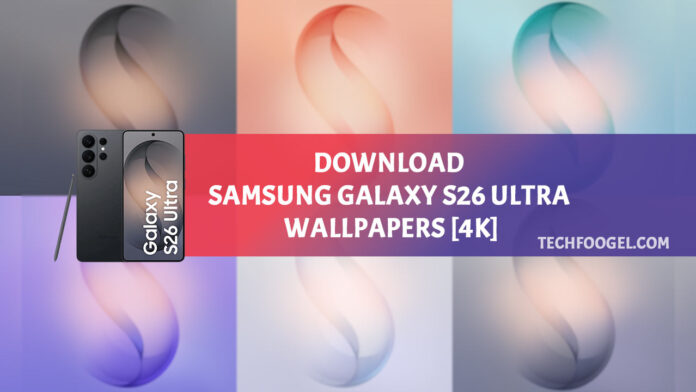
Samsung surprised everyone with its new 2026 flagship phones, the Galaxy S26 series. There are three models: the base S26, the S26 Plus, and the S26 Ultra. All look sleek, as you’d expect from Samsung’s top releases. Inside, the hardware is built for efficiency and speed. Samsung also offers new visuals. Colorful wallpapers can be downloaded from the Internet.
Design is crucial in Samsung’s latest phones. Bold wallpapers give you an immediate impact. These are more like paintings than simple photos. You’ll see smooth color changes, layered shapes, and a hidden “S”. This detail connects to past Galaxy S phones, even though it’s subtle.
A bit of color can make a big difference. Each phone color matches the planned background shades. You can pick from classic options: Black, Cobalt Violet, Sky Blue, and White. Want something new? Try Pink Gold or Silver Shadow, available online. They stand out quietly.
Samsung focuses on quality. Each wallpaper is 3120 by 3120 pixels. This keeps lines sharp and details clear on all screen sizes. Samsung also offers animated wallpapers. These move slowly, adding depth and making your interface feel alive.
Table of Contents
Samsung Galaxy S26 Ultra Wallpapers
Samsung continues its habit of adding bold abstract art to Galaxy S phone backs, a tradition Samsung keeps its tradition of bold abstract art on Galaxy S phone backs with the Galaxy S26 Ultra. Cool shades transition into subtle yet distinct bright color shifts. Galaxy S26 series comes in Black, Cobalt Violet, Sky Blue, and White, with Pink Gold and Silver Shadow available on Samsung’s website. Wallpapers match each color for a unified look.
The Galaxy S26 Ultra Live Wallpapers introduce subtle movement, changing the experience from static to dynamic.
Wallpaper Resolution and Image Quality
Every Galaxy S26 Ultra wallpaper is 3120 by 3120 pixels. This size keeps details crisp, whether up close on a phone or scaled on a monitor. Even on wide-screen displays, color blends remain smooth. Surface patterns keep their shape and don’t blur.
Check Galaxy S26 Ultra wallpaper previews before downloading. They let you browse designs without saving files. These samples are squashed on purpose to display clearly, but do not reflect the full sharpness of the originals.
Important Note About Preview Images
Previews are low-quality and intended as quick looks, not for saving.

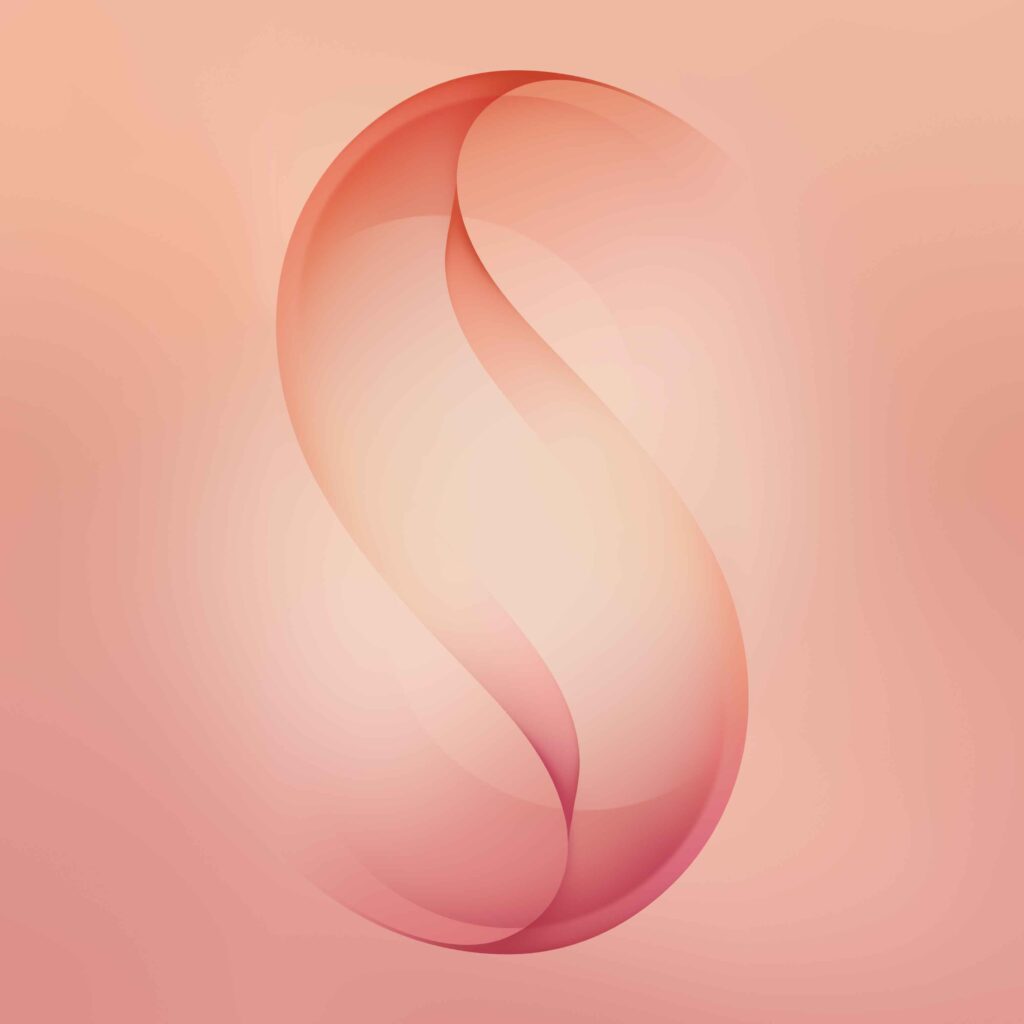


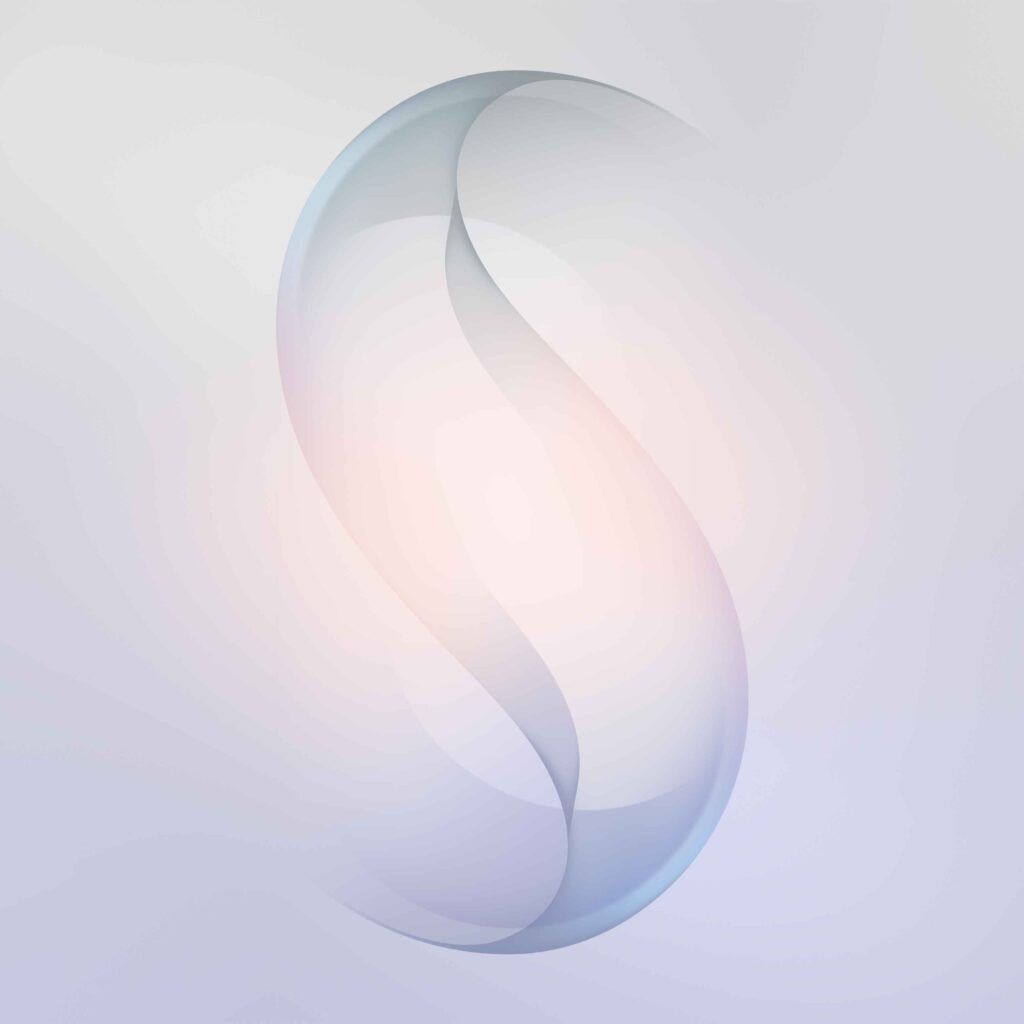
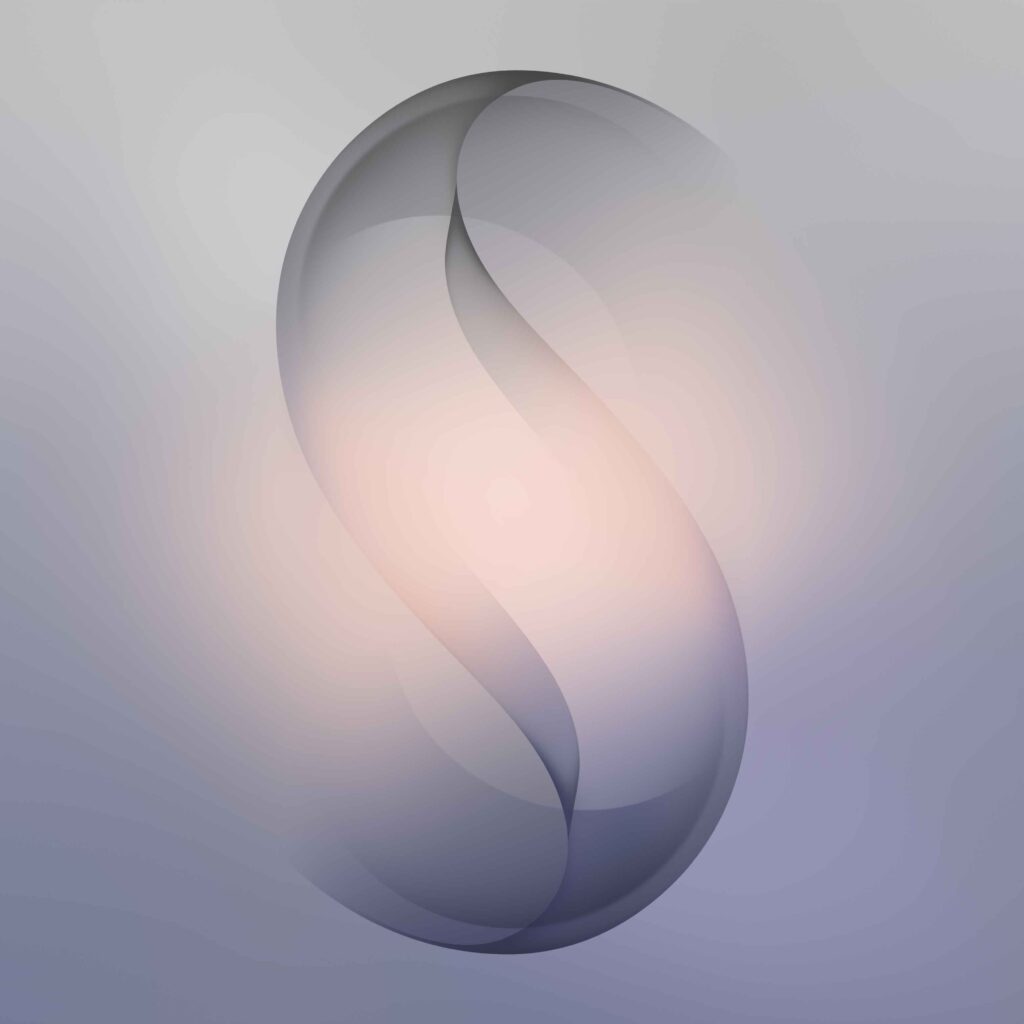
Go to the download area to find wallpaper links. Only those links offer the original quality. Each one leads straight to a high-resolution version. There are no extra steps.
Galaxy S26 Ultra Wallpapers Download
Should those images above catch your eye, the full collection is nearby and ready to download. If you like the images above, the full collection is available for download via the provided links. The downloads directory is where you can find your new wallpapers.
Click Below G-Drive Button To Download Wallpapers:-
- Start by picking a background image you want to use. Then choose one that matches how you want. Choose a background image to fit your screen preference. the options icon at the top. Choose the option to set the image as wallpaper.
- Pick one to set as your Home Screen, or switch it to the Lock Screen instead.
Set your Home or Lock Screen wallpaper in seconds.
Nothing more than that sticks around.